
Forged Space has a fully fledges Private Messaging system inbuilt from scratch. To access these messages use the Email Icon bottom right next to the Mini Map. This will open the Private Messages screen. From here you can see you have an inbox (and counter) and various other tabs.
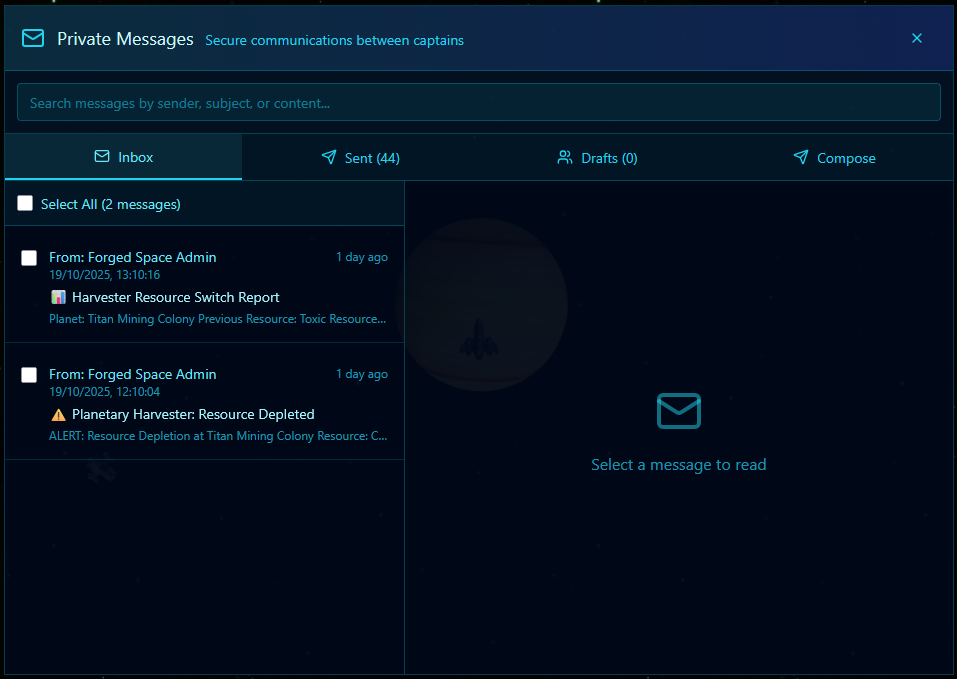
We have a tab for Sent items and a Drafts Tab. Drafts are auto created as you type. This is so that if you were to miss click on another panel and accidentally slow the message panel returning to it should have a fairly up-to-date ‘Draft’. Of course, you need to compose the messages before sending.
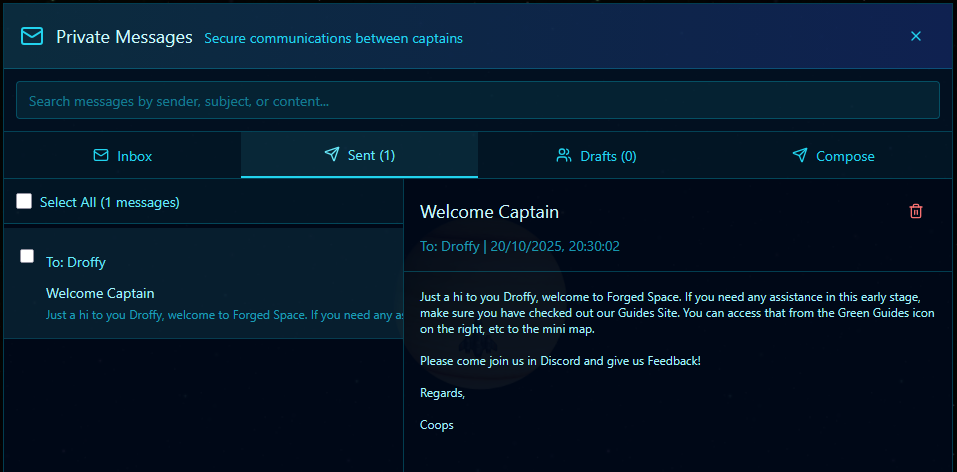
Each panel has an accompanying search bar should you have a lot of private messages. Each section also has a delete option and a bulk delete should you need it. Deletion of emails includes a check so you dont delete messages accidentally.
Delivery of messages is instant, but it can tab a minute for the recipient’s browser to get the flashing ‘you have mail icon’ effect.