
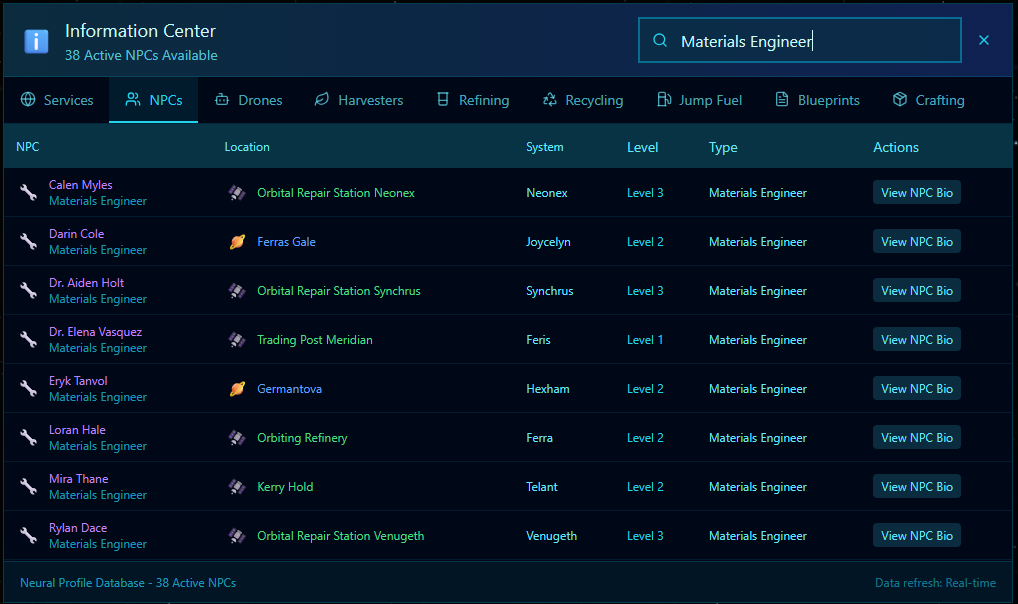
Forges space currently has Five Types of NPC. NPC stands for non-player character. Lets look at the ‘Materials Engineer’. Below, I have opened the Information Centre and gone to the NPC’s tab. You can see the Spanner Icon next to these NPC’s and the Type set as Materials Engineer.
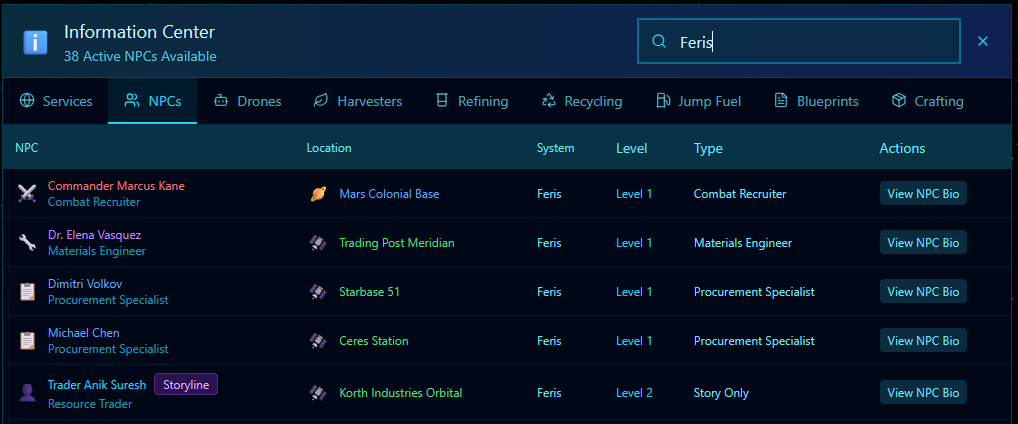
You can use the search bar to filter by type, name, location, or even system. The latter is a great way when entering a system to check what NPCs are available. Below, I have filtered the view for Feris.
As we are reviewing the Materials Engineer NPC, let’s travel to Trading Post Meridian and go visit Dr. Elena Vasquez. Try using the Navigation Console and clicking on the ‘Trading Post Meridian’ name. Your autopilot will take you directly there (if you’re in Feris).
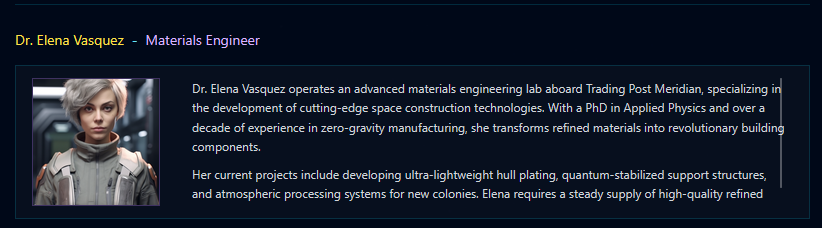
When at the location, open the promenade, and the NPC will appear at the bottom. Click on his panel, and she will open up communications with you.
Missions by NPCs are subject to certain random filters. In the early locations like Feris and Ethan the missions will be for low-level common resources, but these will rise in rarity the lower the law level of a system.
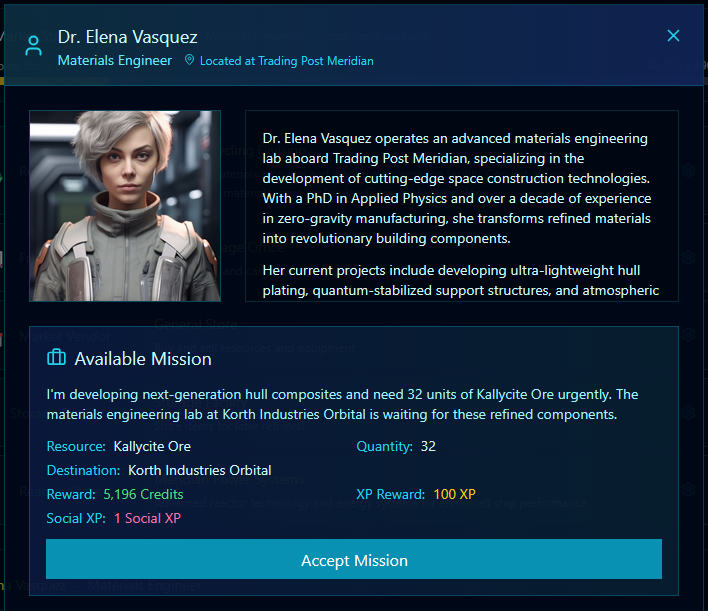
Here is a typical mission from a Materials Engineer NPC. As you can see, she had a Bio (always worth reading). Materials Engineers specialise in REFINED Resources. This means they want resources that have been processed in a Refinery. Of course, you don’t have to have refined it yourself.
You could simply place a Galactic Buyers Market contract for the refined resource. The NCP won’t mind where the resource came from as long as it’s in your hold when you deliver it.
You will receive XP and Social Experience by completing this mission. We suggest keeping an eye on what’s required and how much you have onboard by using the far left Top Yellow NPC Missions Panel. This will show you how much is required, where to deliver it and the amount you currently have onboard!
Read the REFINING GUIDE and once you have sufficient Resources (Refined), go to the location listed for delivery and hand in the mission using the Blue flashing icon in the bottom right-hand side of your screen next to the Mini Map.