
Moving Cargo for Ashar is a backbone of earning funds early on and will keep you in good stead as you progress in the Sphere Galaxy. You will find Ashar offices all over the Galaxy positioned on Stations and Planets. Use the Navigation Console and look for the Truck icon.

When you arrive at a promenade with one of these, you will see the Ashar Office. Click the panel to enter.

The Ashar Haulage Service runs cargo all over the Galaxy, but for new players, it only offers Feris Missions when IN Feris. Once you leave the system, it will start to offer longer distance missions that will require Jump Fuel to pass through the Jump Gate Network.
The office will generate Missions shared across the Server, so these missions are shared with any other Captain. They use Distance and Cargo as their primary calculations. These include the distance in sectors inside a System from the location to the Jump gate, then the Jump distance as a multiplier and the final Jump gate to Destination using sectors in that system.
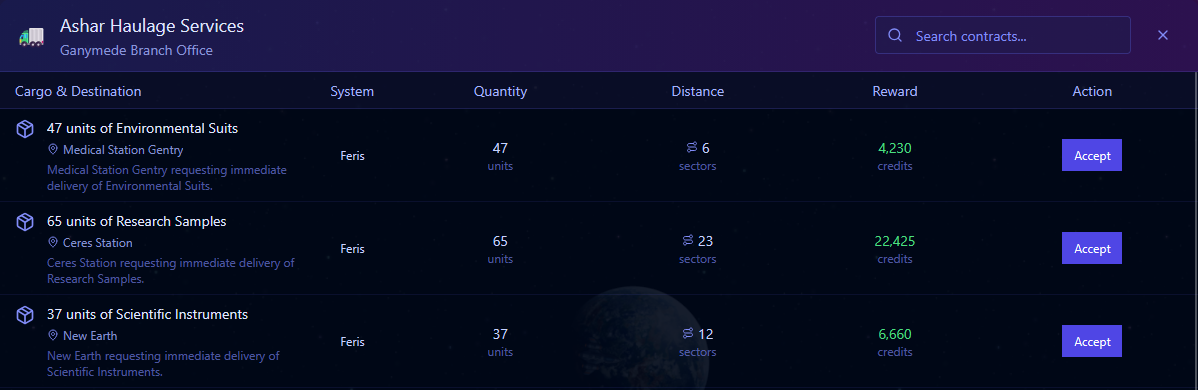
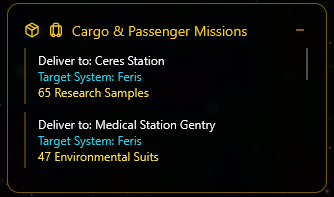
Accepting an Ashar mission will populate the left-hand Cargo and Passenger Yellow panel. This is your quick look-up to see what needs to go where. It’s a VERY handy tool and makes moving cargo a synch!
Travel to the Destination, and when you arrive, use the Green ‘Access Location Services’ green button. This will open a channel to the promenade, and your Cargo will be unloaded, and you will be paid!

Remember, locating places in a system is VERY simple using the Navigation Console. This loads the data for that system, including all the planets, asteroids, star bases and even the Primary Star. The cursor defaults to the ‘Search’ box, so open the panel and start typing the location, and it will automatically filter the location you are looking for.
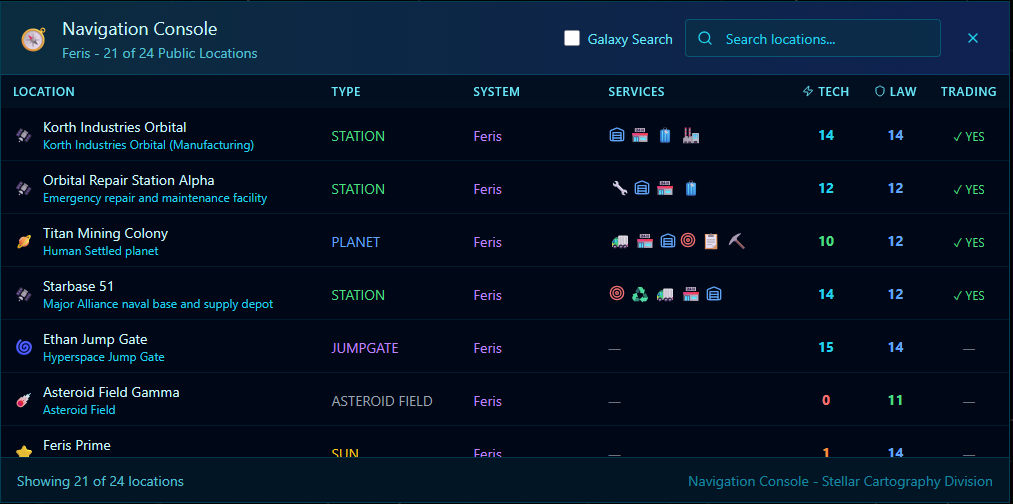
Click the name of the location in your list, and the ship Autopilot will engage and you’re off!